Calculator Vault : App Hider - Hide Apps
5.0
١٠ مليونتنزيل
9.5 ميجابايتالحجم
موقّع وموثوق
لقطات الشاشة
عن التطبيق
Advantages of Calculator Vault hidden applications:
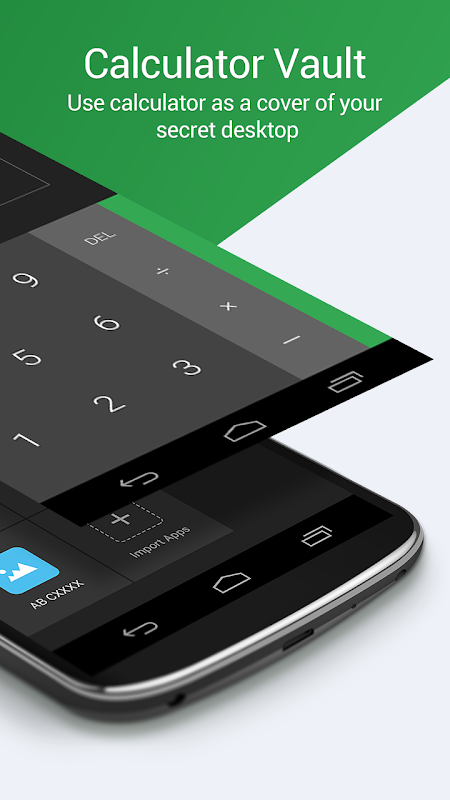
-Notice bar information tips, only show the standard calculator’s icon
-Check phone system settings, the application name is Calculator+ (not app hider)
-When Checking recent apps, the app name is Calculator Vault(not app hider)
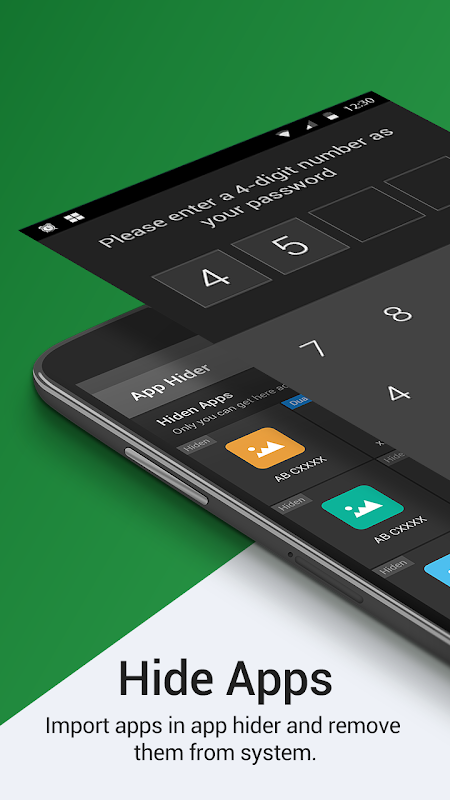
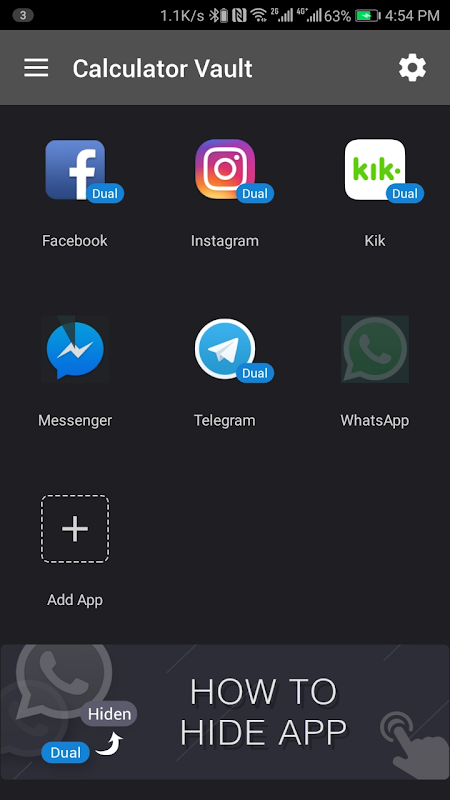
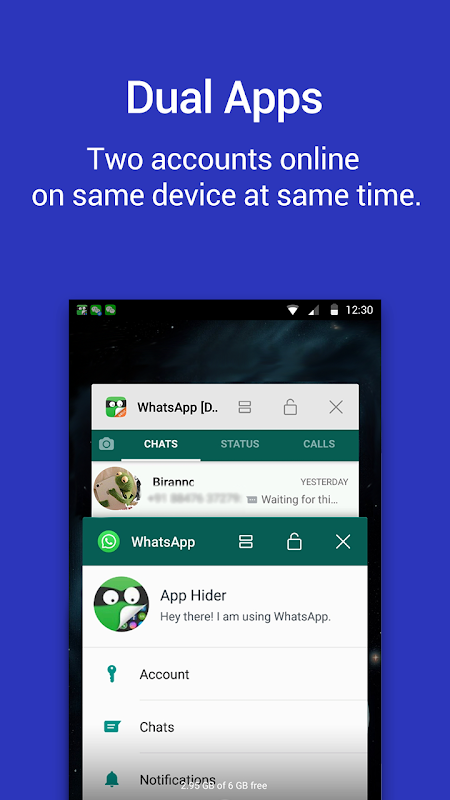
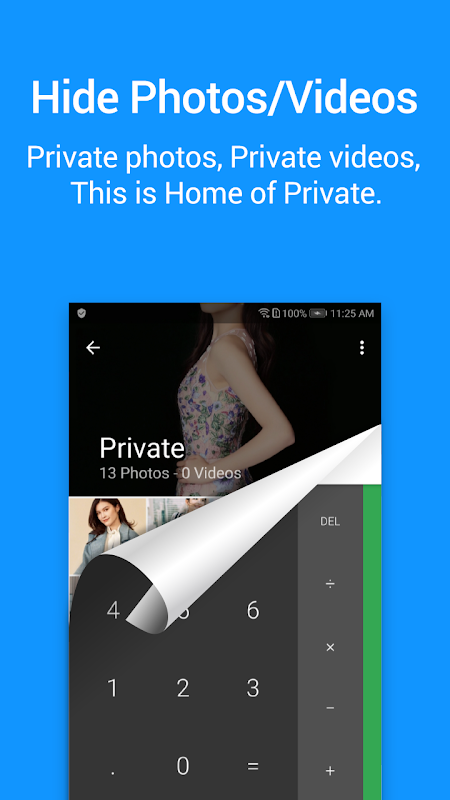
Calculator Vault can help you to hide any app. And keep your privacy by hiding apps.You can open hidden apps in Calculator Vault or interface of your phone.Also Calculator Vault provides hidden picture function, your pictures import into the gallery, others can not see these photos.You can browse protected pictures in hider's gallery.
App Characteristics:
1.Hide all installed applications (No ROOT Obtaining)
2.Password protection(When the first time,need to create the password)
3.Supports hiding any applications used on mobile phones(Easy way hide apps)
4.Hidden app can be used in the Calculator Vault, also use the main interface in the phone.
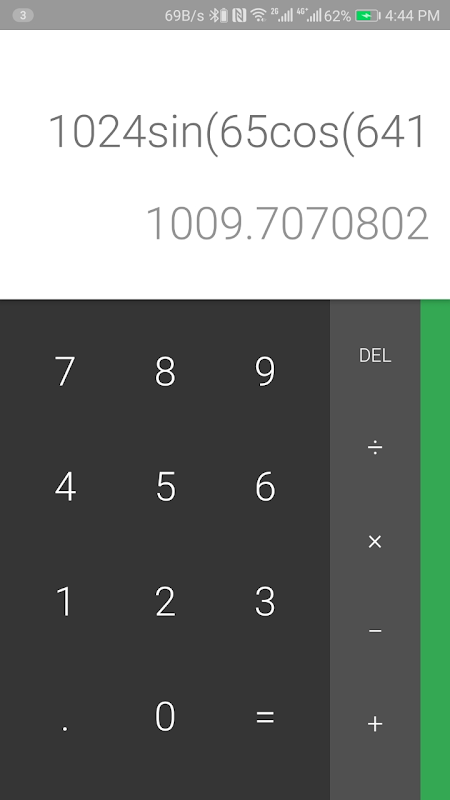
5.Open the app just standard calculator , if don't know password can't use the Calculator Vault.
6.Hide Notifications ,provide notification in 3 mode all / just number / none
7.Hide apps from recents
8.Gallery Module to hide photos /pictures(Protect your secret photos/pictures,avoid others find them)
9.Add shortcut to hiden camera(use the hider's built-in camera to take private photos)
10.Hide Videos and play Videos
How to use Calculator Vault?
The first time to start or in a protected state, do not need pin can enter the Calculator Vault.Open the application to set the password. Then you can start using the hidden app.
How to hide photos to Calculator Vault?
Click the app hider interface gallery icon use the ‘Gallery Module’, add ‘input folder name’ to create folder and select pictures or personal photos, then click the save button to import the picture into the created private file.
How to add app to Calculator Vault?
In the hidden display interface click add app button, you can see the phone within the application, select the app to add to the Calculator Vault-App Hider, click the import apps button.
How to delete apps from Calculator Vault?
In the hidden apps interface long press the hidden app, drag the application to the delete icon to delete the hidden application.
How to hide photos or videos to hidder?
Click the app hider interface gallery icon use the ‘Gallery Module’, add ‘input folder name’ to create folder and select pictures or personal photos, then click the save button to import the picture into the created private file.
Notices:
Such as uninstall outside the application has been hidden and the Calculator Vault will not copy the app's original data to the same app in the Calculator Vault.
Android AOSP Calculator source code:
https://android.googlesource.com/platform/packages/apps/Calculator.git
Apache License, Version 2.0
http://www.apache.org/licenses/LICENSE-2.0.html
If you have any question about our product,please contact e-mail:SwiftWifiStudio@gmail.com.
مزايا حاسبة المدفن التطبيقات الخفية:
، ملاحظة نصائح شريط المعلومات، تظهر فقط رمز الآلة الحاسبة القياسية ل
إعدادات نظام الهاتف -Check، اسم التطبيق هو آلة حاسبة + (وليس التطبيق المخفي)
فحص، وعندما التطبيقات الحديثة، اسم التطبيق هو آلة حاسبة المدفن (وليس التطبيق المخفي)
حاسبة المدفن يمكن أن تساعدك على إخفاء أي التطبيق. والحفاظ على خصوصيتك عن طريق إخفاء apps.You يمكن فتح التطبيقات المخفية في الحاسبة المدفن أو واجهة الخاص بك phone.Also حاسبة المدفن يوفر وظيفة صورة خفية، صورك استيراد في المعرض، يمكن للآخرين لا يرى أن هذه photos.You تصفح الصور المحمية في معرض المخفي ل.
خصائص التطبيق:
1.Hide جميع التطبيقات المثبتة (لا ROOT الحصول على)
حماية 2.Password (عندما المرة الأولى، تحتاج إلى إنشاء كلمة مرور)
3.Supports إخفاء أي التطبيقات المستخدمة على الهواتف النقالة (طريقة سهلة اخفاء التطبيقات)
4.Hidden التطبيق يمكن استخدامها في حاسبة المدفن، أيضا استخدام واجهة رئيسية في الهاتف.
5.Open التطبيق فقط آلة حاسبة قياسية، إذا لا تعرف كلمة لا يمكن استخدام حاسبة المدفن.
6.Hide الإخطارات، وتقديم الإخطار في 3 وضع كل رقم / عادل / لا شيء
التطبيقات 7.Hide من حديثي
8.Gallery وحدة لإخفاء الصور / صور (حماية الصور السرية الخاصة بك / الصور، وتجنب الآخرين في العثور عليها)
اختصار 9.Add إلى مخفية الكاميرا (استخدام المخفي الذي بني في الكاميرا لالتقاط صور خاصة)
10.Hide الفيديو وتشغيل ملفات الفيديو
كيفية استخدام حاسبة المدفن؟
في المرة الأولى لبدء أو في حالة محمية، لا تحتاج إلى دبوس يمكن أن يدخل حاسبة Vault.Open التطبيق لتعيين كلمة المرور. ثم يمكنك البدء باستخدام التطبيق مخفي.
كيفية إخفاء الصور إلى الحاسبة المدفن؟
انقر على التطبيق المخفي معرض اجهة استخدام رمز "معرض وحدة"، إضافة "إدخال اسم المجلد 'لإنشاء المجلد وحدد الصور أو الصور الشخصية، ثم انقر فوق الزر حفظ لاستيراد صورة في الملف الخاص بإنشائها.
كيفية إضافة التطبيق إلى الحاسبة المدفن؟
في واجهة العرض خفية انقر زر إضافة التطبيق، يمكنك ان ترى الهاتف ضمن التطبيق، حدد التطبيق إضافة إلى حاسبة المدفن-التطبيقات المخفي، انقر فوق زر التطبيقات الاستيراد.
كيفية حذف التطبيقات من حاسبة المدفن؟
في تطبيقات واجهة مخفي الضغط لفترة طويلة التطبيق مخفي، اسحب الطلب إلى أيقونة الحذف لحذف تطبيق مخفي.
كيفية إخفاء الصور أو ملفات الفيديو إلى hidder؟
انقر على التطبيق المخفي معرض اجهة استخدام رمز "معرض وحدة"، إضافة "إدخال اسم المجلد 'لإنشاء المجلد وحدد الصور أو الصور الشخصية، ثم انقر فوق الزر حفظ لاستيراد صورة في الملف الخاص بإنشائها.
ملاحظات:
مثل إلغاء خارج التطبيق تم اخفاء وسوف حاسبة المدفن تقم بنسخ البيانات الأصلية التطبيق لنفس التطبيق في حاسبة المدفن.
الروبوت AOSP حاسبة شفرة المصدر:
https://android.googlesource.com/platform/packages/apps/Calculator.git
أباتشي الترخيص، الإصدار 2.0
http://www.apache.org/licenses/LICENSE-2.0.html
إذا كان لديك أي سؤال حول منتجاتنا، يرجى الاتصال البريد الإلكتروني: SwiftWifiStudio@gmail.com.
معلومات إضافية
تاريخ التحديث
2026-10-10الإصدار
2.1.3الحجم
9.5 ميجابايتالمطور
Hide Apps (NO ROOT)SwiftWifiStudio@gmail.com
تصنيف المحتوى
Everyoneالحزمة
com.app.calculator.vault.hiderالتوقيع (MD5)
84c875e25ec2490e2228e3f2f954ad34