edge [substratum] [LITE]
0.0
١ ألفتنزيل
15.32 ميجابايتالحجم
لقطات الشاشة
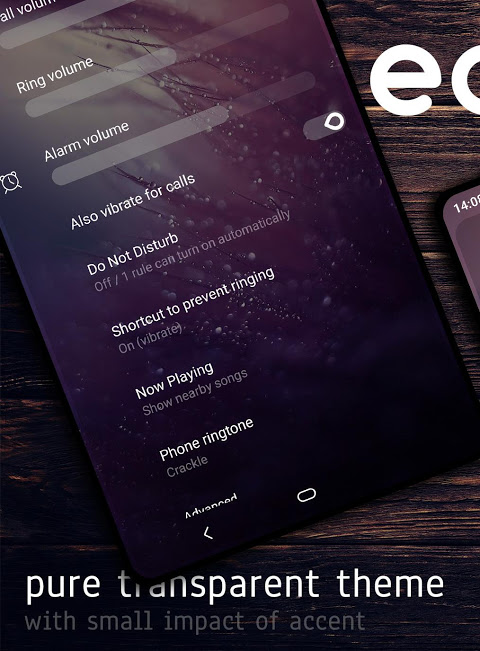
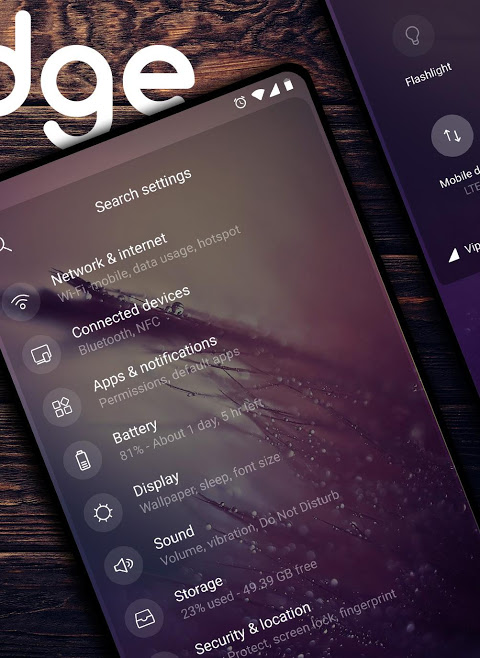
عن التطبيق
READ FIRST!
• Theme works with Google stock and custom AOSP based 8.1/9.0 ROMs
• LineageOS aren't fully supported
• OxygenOS aren't supported
• Doesn't work on Samsung devices running stock firmware
• You need substratum app from the Play Store to apply the theme
• You need to be rooted
IMPORTANT! When you open the theme in substratum app you'll see the drop down menu on top of the overlays. You need to choose one depending of your ROM Android version. There are also some overlays with different variant for specific Android version.
HOW TO apply theme. Select all the overlays (if there are any option in overlay, read and choose wisely), press floating action and choose Build & Update. Wait until the process is over and reboot. Open substratum again, select all the overlay you previously built, press floating action button and choose Enable this time. Enjoy the theme! For updating an overlay you need to Disable it first, Build & Update and finally Enable. There's no need for reboot, except for Android System overlay.
After every update I recommend clean install (uninstall all the overlays from susbstratum Manager, reboot and repeat the process like you did first time). Also, after updating an app from the Play Store if it force close, try first to uninstall overlay for that app and install it again. I recommend to disable auto-update the apps from the Play Store if you want fully working theme.
Don't report bugs if you're using custom DPI
WHAT'S THEMED
System ONLY
For bug reports and support join my Telegram goup
t.me/llevo3_design
اقرأ أولاً!
• يعمل موضوع مع الأسهم جوجل والعرف AOSP مقرها 8.1 / 9.0
• LineageOS ليست مدعومة بالكامل
• الأكسجين غير مدعوم
• لا يعمل على أجهزة Samsung التي تشغل البرامج الثابتة للأوراق المالية
• تحتاج إلى تطبيق الطبقة التحتية من متجر Play لتطبيق السمة
• تحتاج إلى أن تكون راسخة
IMPORTANT! عند فتح السمة في تطبيق الطبقة التحتية ، سترى القائمة المنسدلة أعلى التراكبات. تحتاج إلى اختيار واحد بناءً على إصدار ROM Android. هناك أيضًا بعض التراكبات مع متغير مختلف لإصدار Android معين.
كيفية تطبيق تطبيق السمة. حدد كل التراكبات (إذا كان هناك أي خيار في التراكب ، اقرأ واختر بحكمة) ، اضغط على الإجراء العائم واختر إنشاء وتحديث. انتظر حتى تنتهي العملية وأعد التشغيل. افتح الطبقة التحتية مرة أخرى ، وحدد كل التراكب الذي قمت بإنشائه مسبقًا ، ثم اضغط على زر الإجراء العائم واختر تمكين هذا الوقت. استمتع بالموضوع! لتحديث تراكب تحتاج إلى تعطيله أولاً ، إنشاء وتحديث وأخيراً تمكين. ليست هناك حاجة لإعادة التشغيل ، باستثناء تراكب نظام Android.
بعد كل تحديث أوصي بتثبيت نظيف (قم بإلغاء تثبيت جميع التراكبات من susbstratum Manager ، أعد التشغيل وكرر العملية كما فعلت في المرة الأولى). وأيضًا ، بعد تحديث أحد التطبيقات من متجر Play إذا تم إغلاقه ، فحاول أولاً إلغاء تثبيت التراكب لذلك التطبيق وتثبيته مرة أخرى. أوصي بتعطيل التحديث التلقائي للتطبيقات من متجر Play إذا كنت تريد سمة تعمل بالكامل.
لا تبلغ عن أي أخطاء إذا كنت تستخدم DPI مخصصًا
ما هو الموضوع
النظام فقط
للحصول على تقارير الأخطاء والدعم ، انضم إلى Telegram goup
t.me/llevo3_design
معلومات إضافية
تاريخ التحديث
2020-12-22الإصدار
8.6الحجم
15.32 ميجابايتالمطور
llevo3 ★ designllevo3.design@gmail.com
تصنيف المحتوى
Everyoneالحزمة
dejan.llevo3.edgeالتوقيع (MD5)
05c06c72fd2e0f304e051b0067f25e1d