لقطات الشاشة
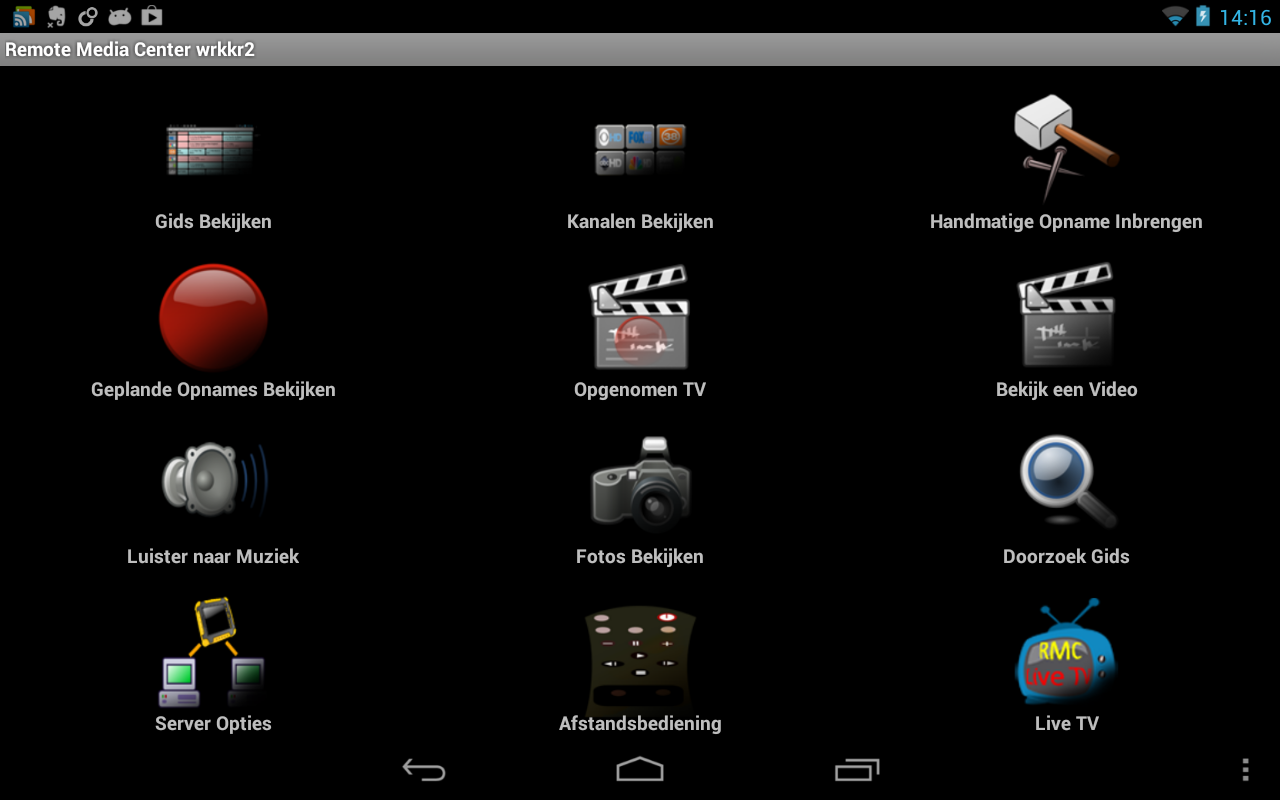
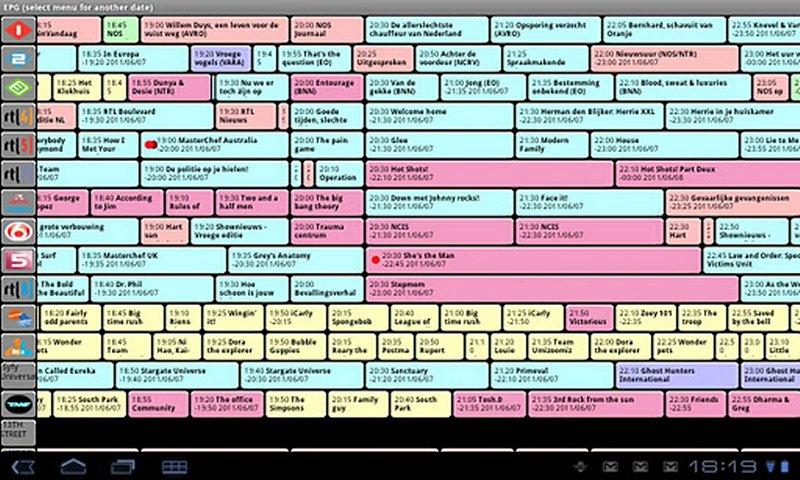
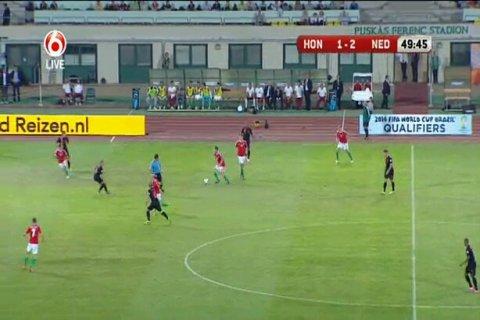
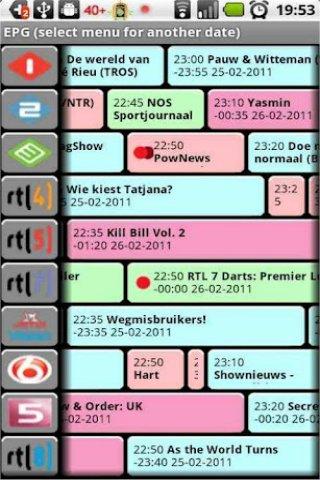
عن التطبيق
Placeshift your Windows 7, 8 or 8.1 Media Center channels* in various possible qualities, without subscription costs.
That means for example that - if you receive your local station (e.g. sports event) at home on your Media Center - you can stream this live show to your android! Not confined by home or country!
Here's how to:
1. Setup your Remote Potato Server - it's a free download here: http://myfrem.nl/download.html . This is absolutely required to run this app.
2. Test the connection out for free: make sure it works with the free Remote Media Center (RMC) app, downloadable from google play.
3. If you are satisfied with step 2: Get Remote Media Center Live TV - and try with SD channels at home in this app!
Also has the ability to download videos/recorded tv and live tv. And (beta:) transcoding on the server for later playback.
Notes:
* This version of RMC is ad free!
* RMC streams media which can consume lots of bandwidth especially WHEN using high quality settings - be sure you have a good data plan before you start using 3G and 4G connections to stream your video.
* Number of TV channels you can watch simultanuously is limited by the number of androids, free tuners and processing power you have!
* For best Live TV results, you need a fast android and fast PC server.
* DRM-protected content is not supported.
* See myfrem.nl/forum of http://159.253.0.177/forum for discussion and FAQ.
* On google TV you can use ES File manager as a player.
* Do not use while driving or other activities that might become dangerous.
* Be aware that live TV makes use of (temporary) recordings that show up in "Recorded TV'.
This product/app is Google Cast™ Ready for which an in-app purchase is necessary.
Google Cast Ready and the Google Cast Ready Badge are trademarks of Google Inc.
Placeshift الخاص بك ويندوز 7 أو 8 أو 8.1 المركز الإعلامي القنوات * في مختلف الصفات الممكنة، دون تكاليف الاشتراك.
وهذا يعني على سبيل المثال أن - إذا كنت تتلقى المحطة المحلية (مثل الحدث الرياضي) في المنزل على جهاز المركز الإعلامي - يمكنك دفق هذا العرض الحي لالروبوت الخاص بك! لا تقتصر من قبل المنزل أو البلد!
وفيما يلي كيفية:
1. الإعداد خادم البطاطس البعيد - انها يمكن تحميله مجانا هنا: http://myfrem.nl/download.html. هذا هو المطلوب تماما لتشغيل هذا التطبيق.
2. اختبار الاتصال بها مجانا: تأكد من أنه يعمل مع البعيد المركز الإعلامي (RMC) التطبيق الحرة، للتحميل من Google Play.
3. إذا كنت راضيا عن خطوة 2: الحصول على بعد المركز الإعلامي بث مباشر - وتحاول مع قنوات SD في المنزل في هذا التطبيق!
أيضا لديه القدرة على تحميل ملفات الفيديو / التلفزيونية المسجلة ويعيش التلفزيون. و(بيتا :) الشفرة على الخادم للتشغيل في وقت لاحق.
ملاحظات:
* هذا الإصدار من RMC هو إعلان مجانا!
* RMC تيارات وسائل الاعلام التي يمكن أن تستهلك الكثير من عرض النطاق الترددي وخاصة عند استخدام إعدادات جودة عالية - مما لا شك فيه أن يكون لديك خطة بيانات جيدة قبل البدء في استخدام اتصالات الجيل الثالث 3G و 4G إلى دفق الفيديو الخاص بك.
* عدد من القنوات التلفزيونية يمكنك مشاهدة simultanuously يقتصر على عدد ال androids، المستقبلون الحرة وقوة المعالجة لديك!
* للحصول على أفضل النتائج TV لايف، كنت في حاجة الى الروبوت سريع والخادم PC سريع.
* لا يتم اعتماد محتوى محمي DRM.
* انظر myfrem.nl/forum من http://159.253.0.177/forum للمناقشة والتعليمات.
* على جوجل TV يمكنك استخدام مدير الملفات ES كلاعب.
* لا تستخدم أثناء القيادة أو غيرها من الأنشطة التي قد تصبح خطرة.
* كن على علم بأن البث التلفزيوني المباشر يجعل من استخدام التسجيلات (المؤقتة) التي تظهر في "التلفزيونية المسجلة".
هذا المنتج / التطبيق هو جوجل المصبوب ™ جاهزة للالذي عملية شراء في التطبيق هو ضروري.
جوجل المصبوب جاهزة وجوجل المصبوب جاهزة شارة هي علامات تجارية لشركة جوجل
معلومات إضافية
تاريخ التحديث
2019-10-08الإصدار
3.864الحجم
6.15 ميجابايتالمطور
AVBOX L.L.C.info@myfrem.nl
تصنيف المحتوى
Everyoneالحزمة
tv.dyndns.piet5211.rempotatoclientlivetvالتوقيع (MD5)
d8736bb6f2f8423778e1335ed20e25b6